Email Blacklist: Suppressing new leads using their email addresses
In the event you or your agents recognise an email address creating spam, or causing suspicious or fraudulent activity with your business, you can now opt to 'blacklist' the email address of that lead and prevent future leads from that email address reaching your new leads dashboard.
Email blacklist configuration
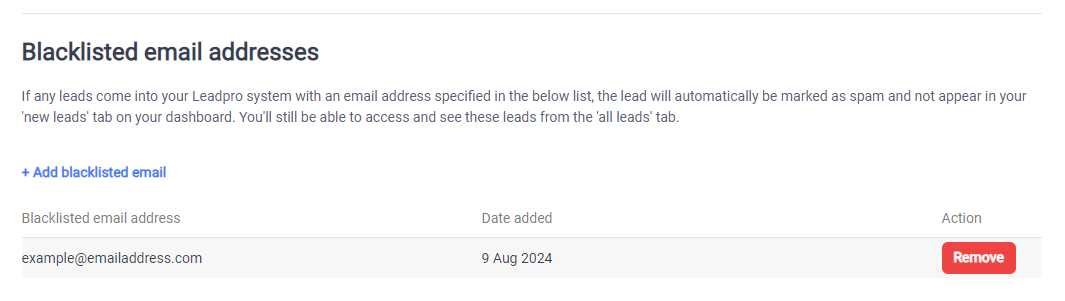
Administrators of your Leadpro system can reach and configure the email blacklist from Account page > Leads tab > Blacklist section. In here you can add an email address to mark it as blacklisted. You also have the ability to remove emails from this page in the future.
What happens to blacklisted emails?
When a new lead is created that matches a blacklisted email, the lead is automatically marked as spam. This means the lead will still be accessible from your 'All Leads' tab by filtering by the 'spam' lead category. This also means the lead will be hidden from the 'New Leads' dashboard your agents are actioning, and the Autocaller, Lead responder, and other automatic lead tools won't trigger from the lead.
