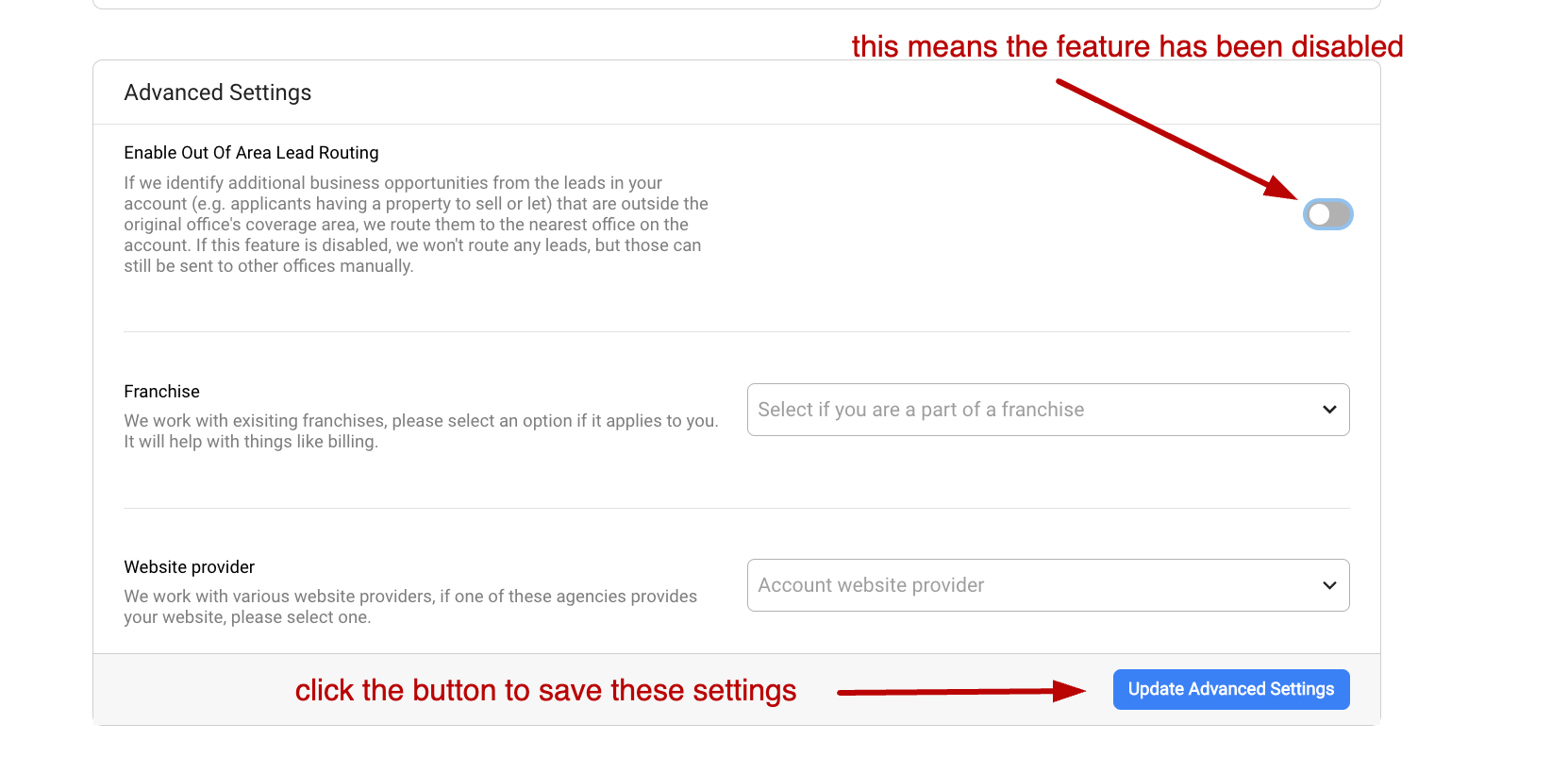
Disabling Lead Routing
If your account is a multi-branch one (has multiple offices set up in the) and you're using our Lead Responder tool to pre-qualify your leads and identify additional business opportunities (such as potential valuation leads from people looking to buy but also have a property to sell) we route those additional business opportunities to the nearest office on your account.
E.g. if you have a Birmingham office and an Oxford office, and a buyer wants to view a property that's on the market with the Birmingham office. However, throughout their prequalification process, they might disclose they need to sell their current property before they are able to buy - and this property is outside of Birmingham's office postcode coverage area and closer to the Oxford branch - in this case, we'll generate a new lead for a potential valuation ("Vendor" type) and route it to the Oxford office, and the additional lead created will contain the details of the original enquiry in the form of a banner.
However, should you need to disable that routing between different offices on your account, you can disable it in the Account settings > Advanced tab buy unticking the toggle box below. Once these settings are saved, your leads will no be routed anymore, but instead all leads originating from the qualification will be attached to the original/parent office.